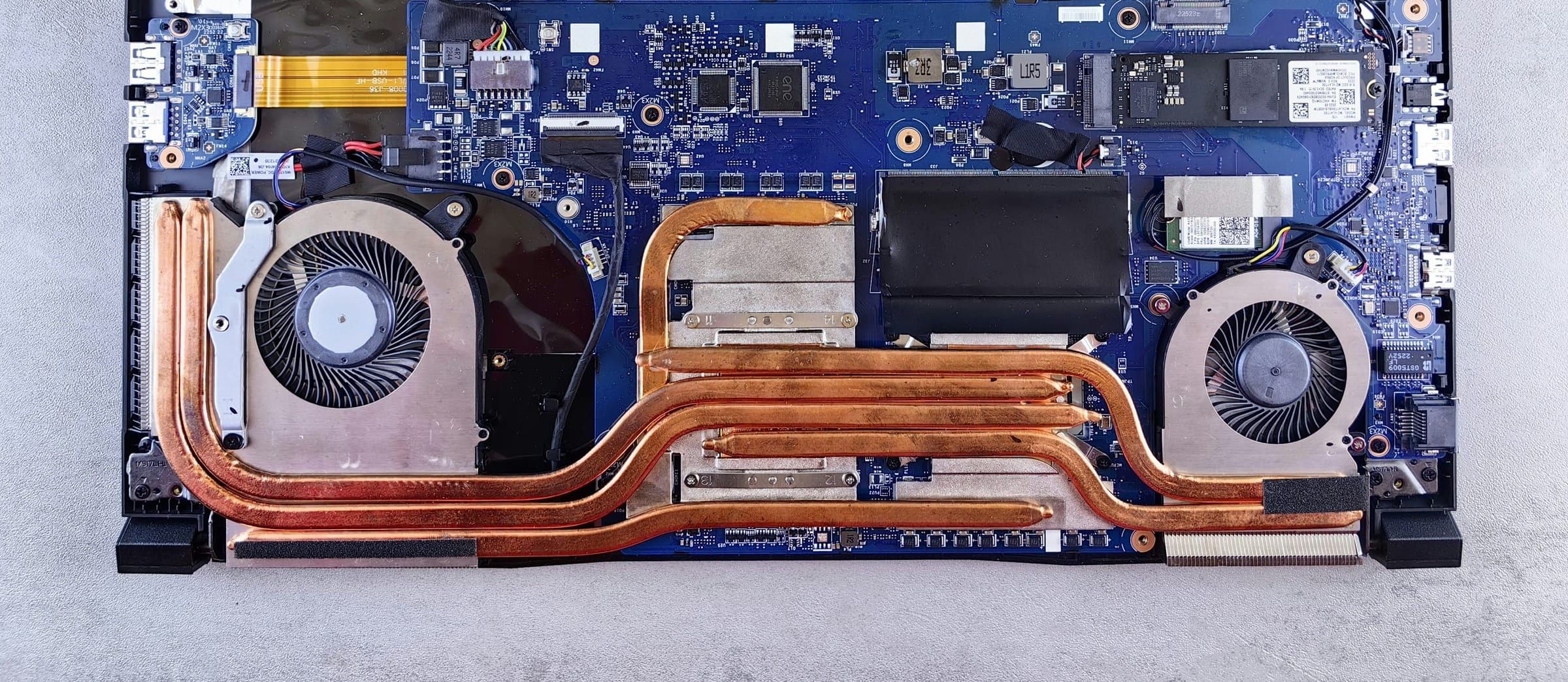
The menu
Ten repairs, in four groups
Wickbench is an independent repair shop. We are not authorised by Apple, Microsoft, Dell, HP, Lenovo or any other maker.
A visit to the counter
What happens when you bring it in
How long a repair takes depends on the fault and the part, so we give you an estimate after the diagnosis rather than a promise at the counter.
Book a drop-off
Choose the repair and a time to bring it in. Pack the charger, and back up your files if it still starts.
We check it in and test
At the counter we note the fault, any marks on the case and what you’ve left, then run our tests on the bench.
You hear the price first
We ring or text with the price and an estimate of the time. Nothing is fitted until you say yes.
Collect it working
We message when it’s ready. You pay at the counter and we show you the fault fixed before you leave.
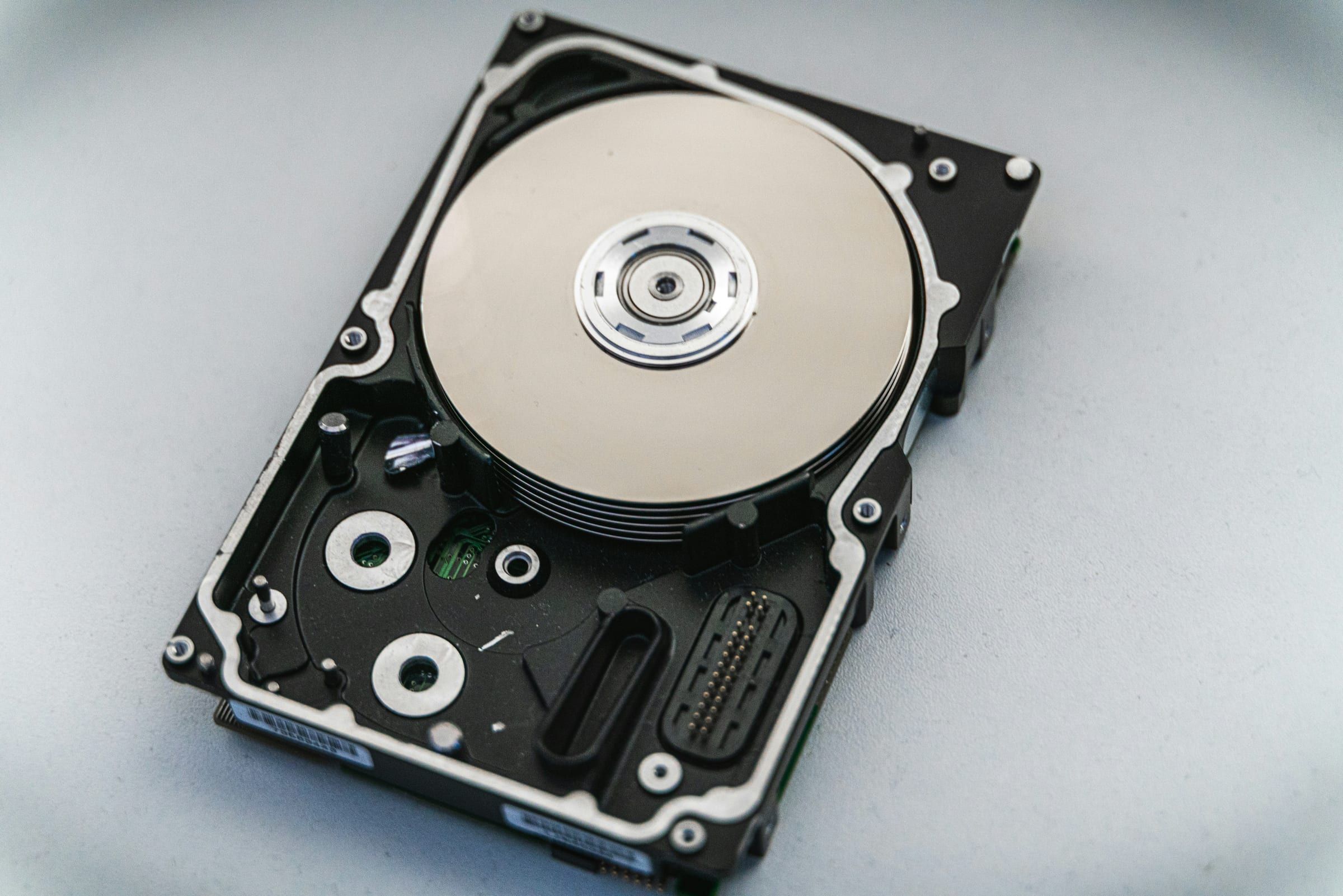
Your data
Your files stay your business
Back up first
If it still starts, copy your files to a cloud account or a USB drive before you bring it in. A repair rarely touches them, but a failing drive can fail on the bench.
We look only where the fault is
We test the fault, check the laptop starts, and open only the apps the fault involves. We don’t browse your files or photos.
A password only if testing needs it
For most repairs we don’t need one. If we do, you can set up a temporary account for us instead, or change your password after the repair.
No copies kept
We copy files only for data recovery. They go onto a drive you provide, and our working copy is deleted once you have your files back.
Old drives stay yours
A drive we replace is yours to keep, or we wipe and recycle it if you ask us to.
Personal information we see while we repair a device is covered by UK data protection law, the UK GDPR and the Data Protection Act 2018, so we use it only for the repair and keep it secure. The Information Commissioner’s Office (ICO) explains your rights at ico.org.uk.
Several machines for a small office?
Bring in up to five at a time and we check them in on one ticket, quote each one separately, and invoice the business.
- One ticket for the batch
- A price for each machine before work
- An invoice in the business’s name
Your rights on a repair
A trader must carry out a service with reasonable care and skill. If it isn’t, you can ask for it to be done again, and if that isn’t possible within a reasonable time and without significant inconvenience, for some or all of the price back.
Where no time is agreed, a trader must carry out a service within a reasonable time.
If a laptop is faulty and fairly new, the retailer that sold it may have to repair or replace it, or give a refund, under the Consumer Rights Act 2015. If a laptop is still under the maker’s or the seller’s cover, ask them first: a fault they cover may cost you nothing.
Every repair is guaranteed for six months: if the same fault comes back, bring it in and we put it right at no charge. (sample guarantee)
Sources: Consumer Rights Act 2015, sections 49, 54, 55 and 56 (England); Consumer Rights Act 2015, section 52 (England); Consumer Rights Act 2015, sections 9, 19 to 24 (England). This shop is in England.
FAQ
Before you bring it in
When will I get it back?
It depends on the fault and on whether a part has to be ordered, so we don’t guess at the counter. After the diagnosis we give you the price and an estimate of the time, and we message if anything changes. Where no time is agreed, the law in England expects a service within a reasonable time.
Source: Consumer Rights Act 2015, section 52 (England)
What happens to the files on my laptop?
They stay where they are. We test the fault and open only what testing needs, and we copy files only when recovering them is the job. Back up first if the laptop still starts.
Source: UK GDPR and the Data Protection Act 2018; ICO guidance
Do you need my password?
Usually not. If testing has to happen inside your account, you can set up a temporary account for us or change your password after the repair.
Is an old laptop worth repairing?
Often it is: a new battery, a solid state drive or a fan clean can give a tired machine years more. If the diagnosis shows a repair would cost more than the laptop is worth, we say so before you spend anything.
Can you get files off a laptop that won’t start?
Usually, if the drive itself still turns on: we copy the files onto a drive or memory stick you provide. A drive that has failed outright is assessed and quoted first.
What if I decide not to go ahead?
You pay the £25 diagnostic check and nothing else. The laptop comes back to you as it came in.
Ready when you are
Not sure what’s wrong? Start with a check.
Book a drop-off for the £25 diagnostic check. We find the fault and price the repair, and the check comes off the bill if you go ahead.